Lighting Effects With Functions
We built a light show together on the screen. Now it's your turn to compose your own effects — and functions are what let you name an effect once and play it anywhere.
Overview
You'll start from the program we created together in class, which defines two lighting effects as functions and calls them in the infinite loop. Then you'll write lighting effects of your own and compose them into a show.
Builds on: Generating Frequencies and Playing a Tune — you'll reuse for-loops and the setup-then-infinite-loop structure.
You've got it when…
- Your program defines at least two lighting effects of your own as functions.
- Your infinite loop calls your effects in an order you chose.
Collaboration & AI
Work: On your own. Ask a neighbor for a hand if you're stuck, but the code you submit should be yours.
AI — AIAS Level 1, No AI: Writing the functions yourself is the whole point, so set AI aside for this one. What the levels mean.
Lighting Effects
This is a copy of the program we created together on the screen.
from adafruit_circuitplayground import cp
from rainbowio import colorwheel
import time

RED = (255, 0, 0)
GREEN = (0, 255, 0)
BLUE = (0, 0, 255)
PURPLE = (255, 0, 255)
WHITE = (255, 255, 255)

def flash():
    for i in range(10):
        cp.pixels.fill(RED)
        time.sleep(0.1)
        cp.pixels.fill(GREEN)
        time.sleep(0.1)
        cp.pixels.fill(BLUE)
        time.sleep(0.1)
        cp.pixels.fill(PURPLE)
        time.sleep(0.1)

def rainbow():
    for j in range(255):
        for i in range(10):
            index = (i * 256 // 10) + j * 5
            cp.pixels[i] = colorwheel(index & 255)
        time.sleep(0.05)

while True:
    flash()
    rainbow()
Two functions are defined — flash() and rainbow(). These functions are
then called in the infinite loop.
Your Mission
- Write some additional lighting effects in functions.
- Call your functions in an order you like in your infinite loop.
Turn It In
- Submit your
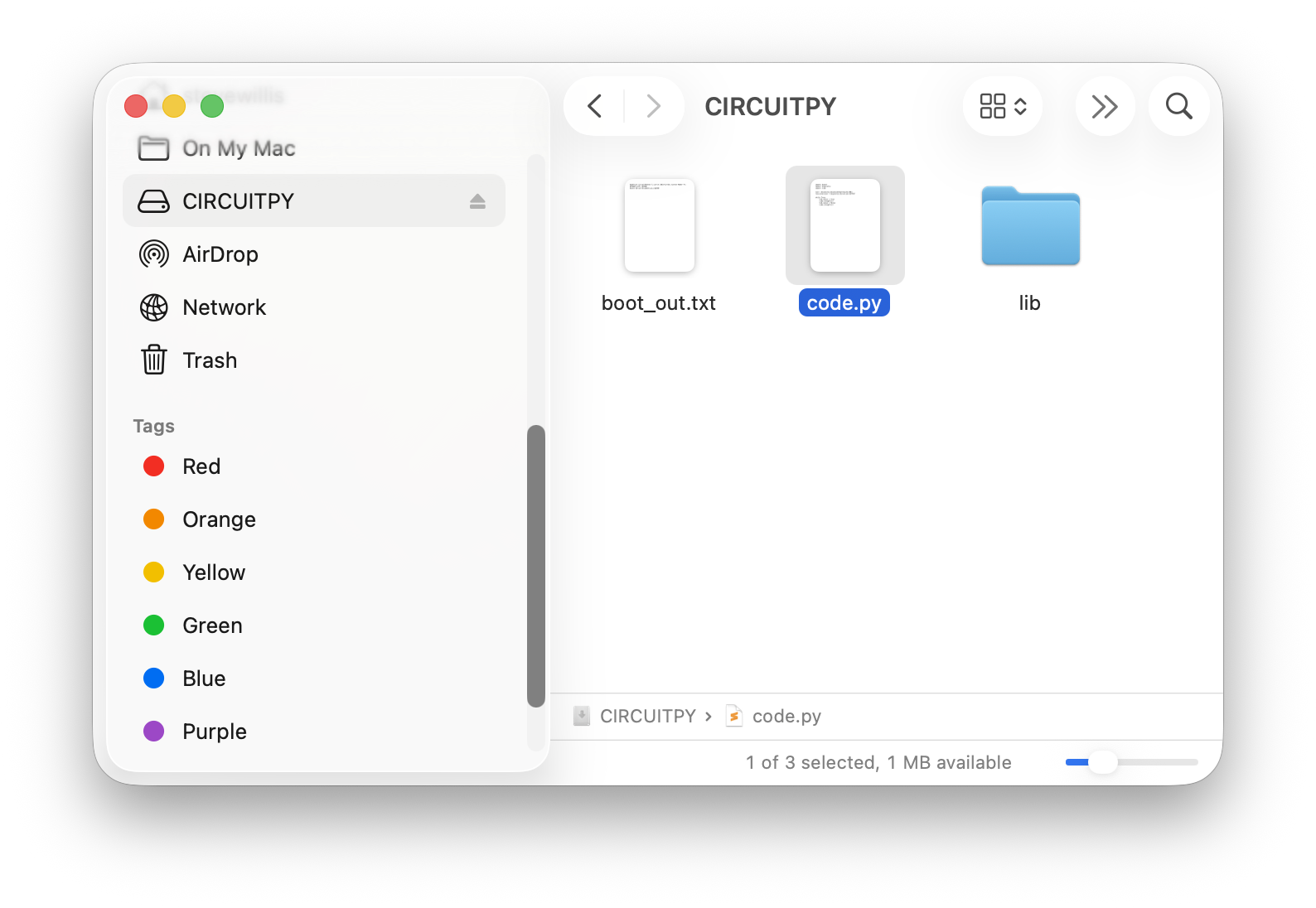
code.pyfile. You'll find it on the CIRCUITPY drive that appears when your board is connected and turned on.
How It's Graded
This lab is worth up to 4 points. One score covers everything you turn in.
| Score | What it looks like |
|---|---|
| 4 — Excellent | Your code.py defines at least two lighting effects of your own — visibly different from the flash() and rainbow() starters, named for what they do — and your infinite loop plays them in an order you chose. |
| 3 — Above Average | Two of your own functions run in the loop, with a slip — one is a light re-skin of flash() with the colors swapped, or a function is defined but never called. |
| 2 — Average | One original effect, or edits made inside the starter functions instead of new functions of your own. |
| 1 — Below Average | The starter program is unchanged, or code.py doesn't run. |
| 0 — Failing | No code.py submitted. |